Bulk-Upload Service Notification
Use Import Grid to add a large service list to a docket in one step instead of entering each notice recipient by hand. You fill in a template with the contacts and upload it, and every valid contact is added to the docket's Service Notification list.
Tier 2 users who are signed in to the portal. Bulk upload is available only for draft dockets that have been saved but not yet submitted, so you can refine the notification list before final submission.
Have these ready:
- A saved draft docket and its confirmation number, which you received when you saved the draft. See Save a Draft Docket.
- The contact details for every party who must receive notice: names and organizations, mailing addresses, email addresses, phone numbers, and whether each contact is an Individual or a Company.
A utility filing a service expansion application must give legal notice of the proceeding (NMAC 1.2.2.7) to 60 property owners, municipalities and businesses. Instead of entering 60 recipients one at a time, the filer saves the docket as a draft, fills in the template once and uploads it.
Open the Draft Docket
-
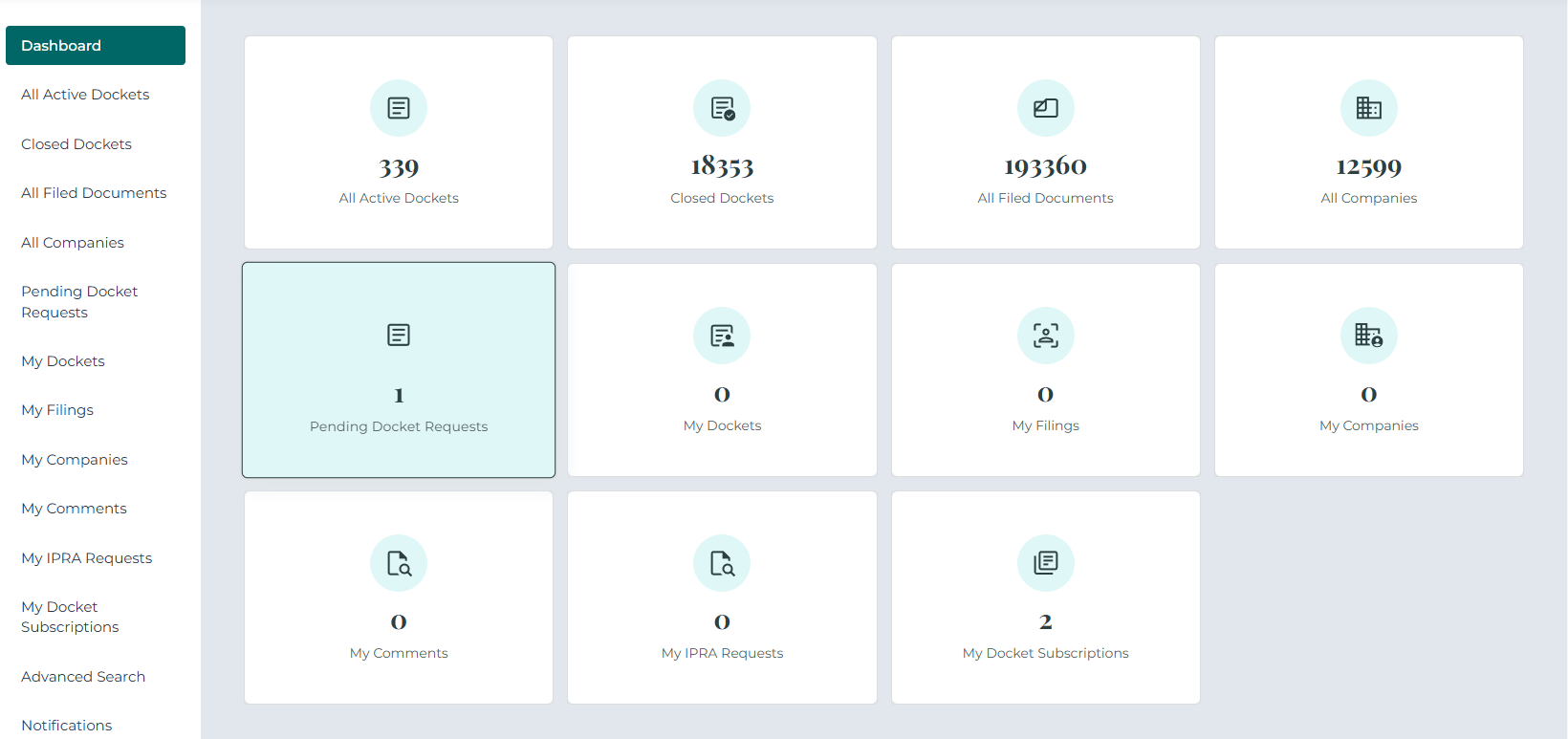
On your Dashboard, click the Pending Docket Requests tile or menu item.
-
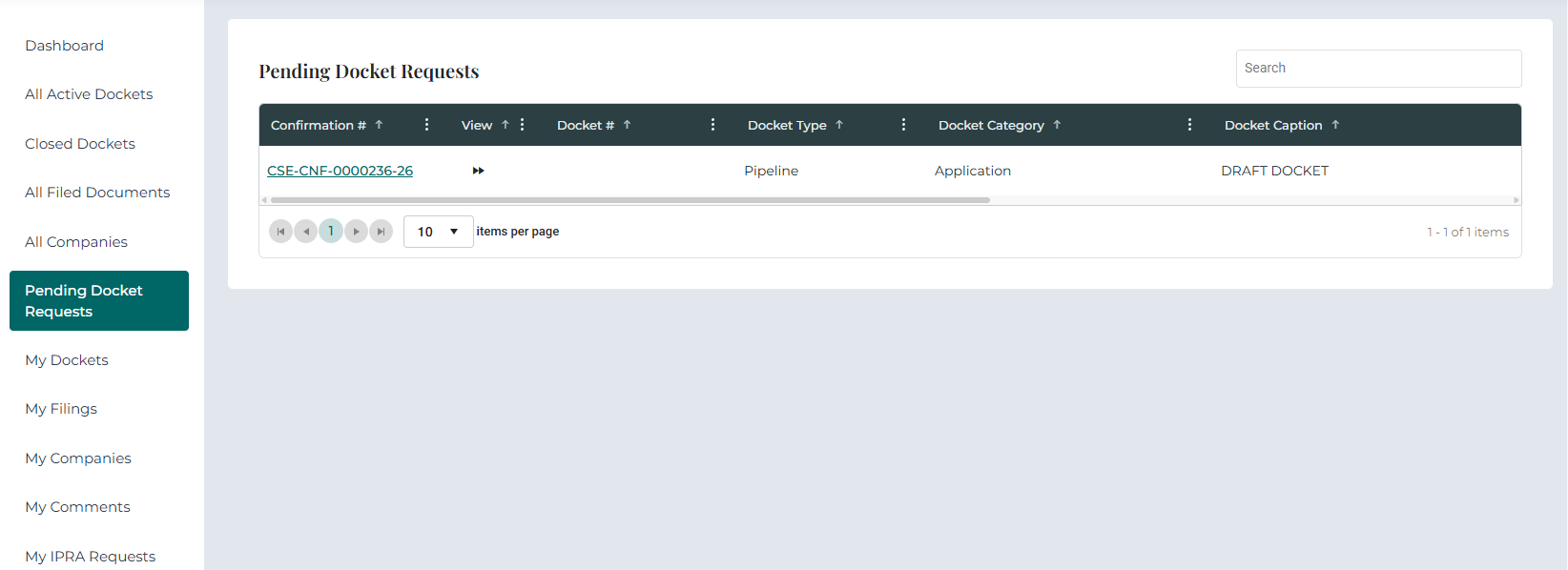
In the grid, find the draft docket and click its Confirmation #. The draft opens in Docket 360.
-
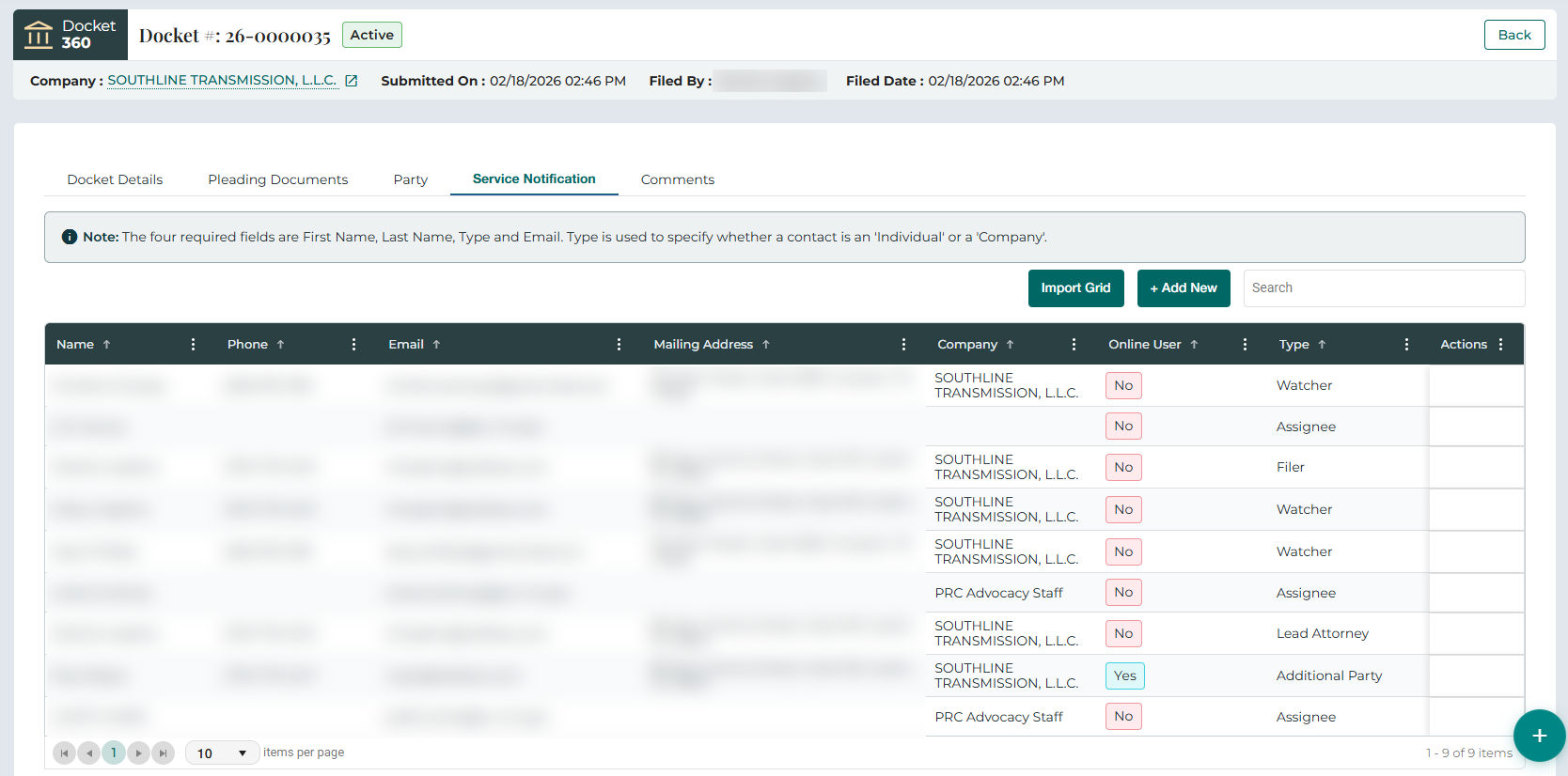
Open the Service Notification tab and click Import Grid.
Download the Template
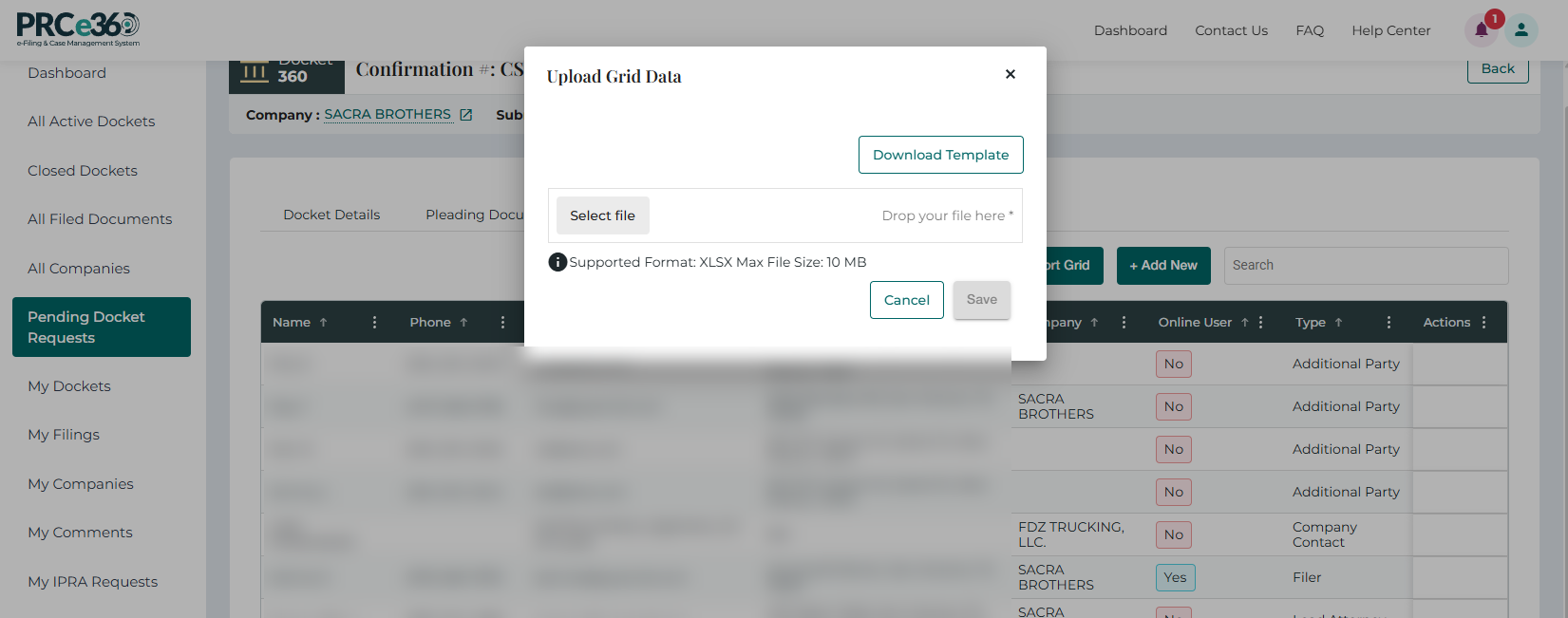
The Upload Grid Data pop-up opens.
- Click Download Template.
- Open the downloaded file and enter the contact details, keeping the format and columns of the template.
Complete the Template
Enter one contact per row.
| Column | Required | Notes |
|---|---|---|
| First Name | Yes | |
| Last Name | Yes | |
| Yes | ||
| Type | Yes | Individual or Company. A row with a blank Type fails validation and the upload fails. |
| Company Name | Recommended | |
| Any Associates | Recommended | If any. |
| Phone Number | Recommended | |
| AddressLine1, AddressLine2, City, State, Zip | Recommended |

The file must be in XLSX format and no larger than 10 MB, which is about 450 contacts. For a larger list, split it across several files. For example, upload 600 contacts as one file of 450 and a second file of 150.
Upload the Template
- In the Upload Grid Data pop-up, click Select file or drop the completed template into the box.
- Click Save to upload the contacts into the draft docket, or Cancel to close the pop-up.
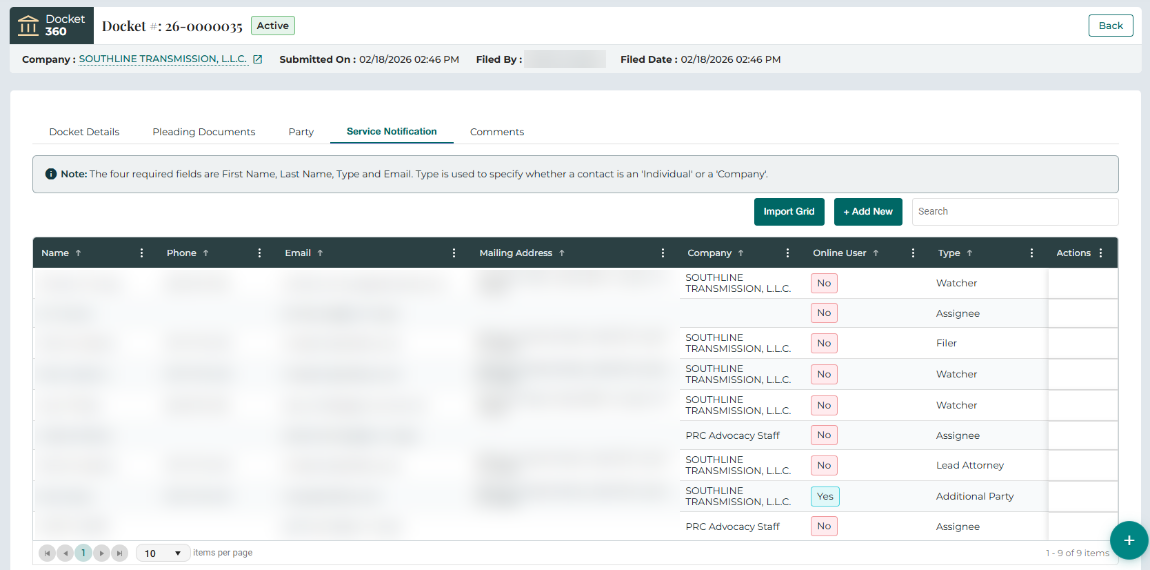
Review the Service Notification List
Every valid contact is added to the Service Notification grid straight away, exactly as entered in the template. Each row is one entry from the file.
- Name
- Phone
- Mailing Address
- Company
- Public User
- Type
- Actions
- Type shows the contact's notification role, for example Watcher.
- Public User shows Yes or No, depending on whether the contact has a Public Portal account.
- Any entry that fails validation produces an error message during the upload and is not added to the grid.
Submit the Docket
Review the draft, including the party details, the service notification entries and the required documents. When everything is complete, click Submit for Filing and Service at the bottom of the Docket Details tab.
