Dashboard – Comments
The Comments Dashboard displays all activities and submissions related to Rulemaking Comments and Public Comments.
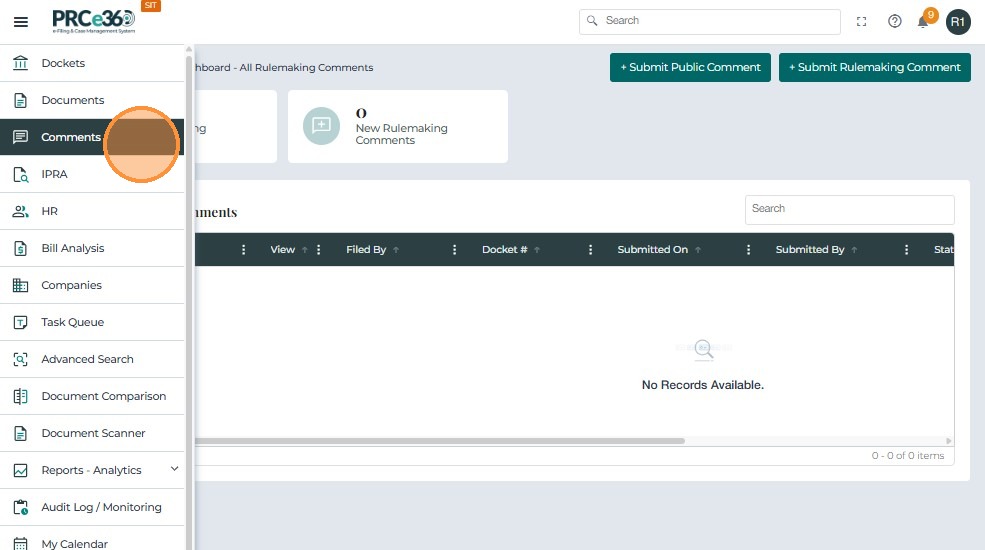
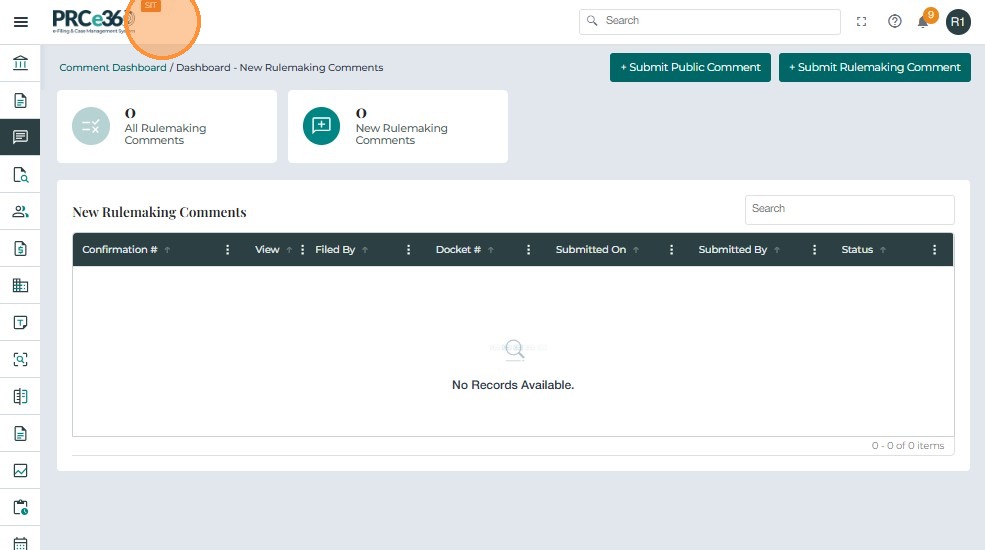
Available Queues
| Queue / Function | Eligible Divisions | Functionality |
|---|---|---|
| Submit Public Comment | All divisions except Public Inspection Bureau (PIB) | Allows users to submit a public comment. |
| Submit Rulemaking Comment | Records, OGC, and Legal Divisions | Allows users to submit a rulemaking comment. |
| All Rulemaking Comments | Records, OGC, and Legal Divisions | Displays all submitted rulemaking comments. |
| New Rulemaking Comments | Records Division only | Lists new rulemaking comments pending review. |
- Submit Public Comment – Opens the public comment form.
- Submit Rulemaking Comment – Opens the rulemaking comment form.
All Rulemaking Comments
This queue is visible to Records, OGC, and Legal Divisions, displaying all submitted rulemaking comments.
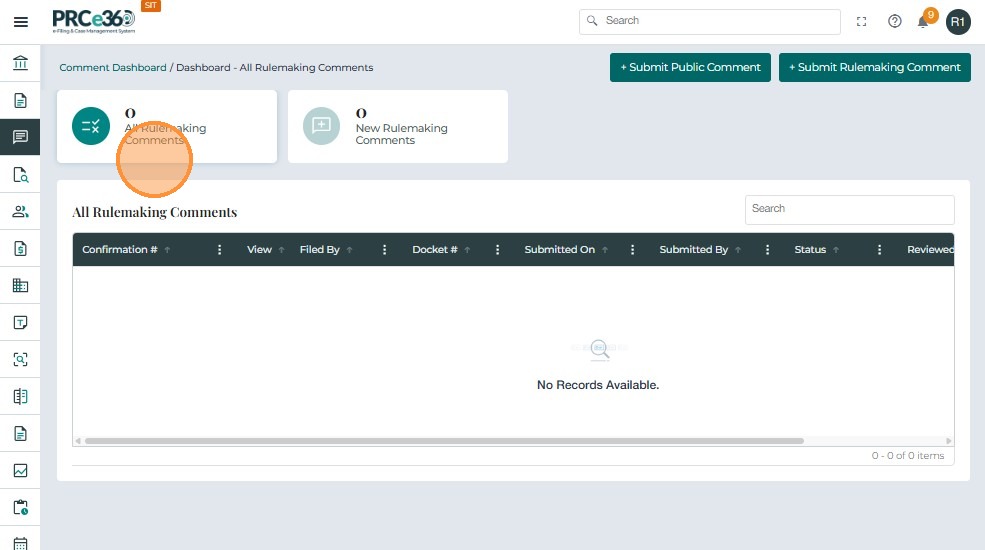
Grid Columns
- Confirmation # – System-generated unique ID for the comment.
- Docket # – Linked case docket.
- Company – Organization associated with the comment.
- Submitted On / By – Date, time, and submitter details.
- Status – Current review status.
- Reviewed On / By – Review completion details.
New Rulemaking Comments
This queue is visible only to the Records Division and lists new rulemaking comments awaiting review.
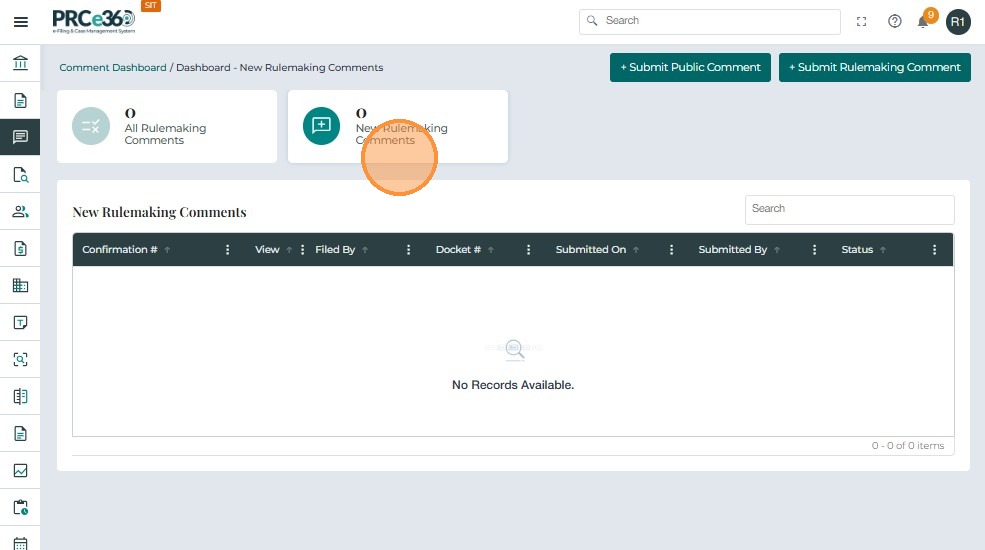
Grid Columns
- Confirmation # – Unique system identifier.
- Docket # – Linked case docket.
- Company – Organization associated with the submission.
- Submitted On / By – Date/time and submitter name.
- Status – Current workflow status.