Dashboard – HR
The HR Dashboard displays all cases and workflows related to HR forms and requests within the Case Management System.
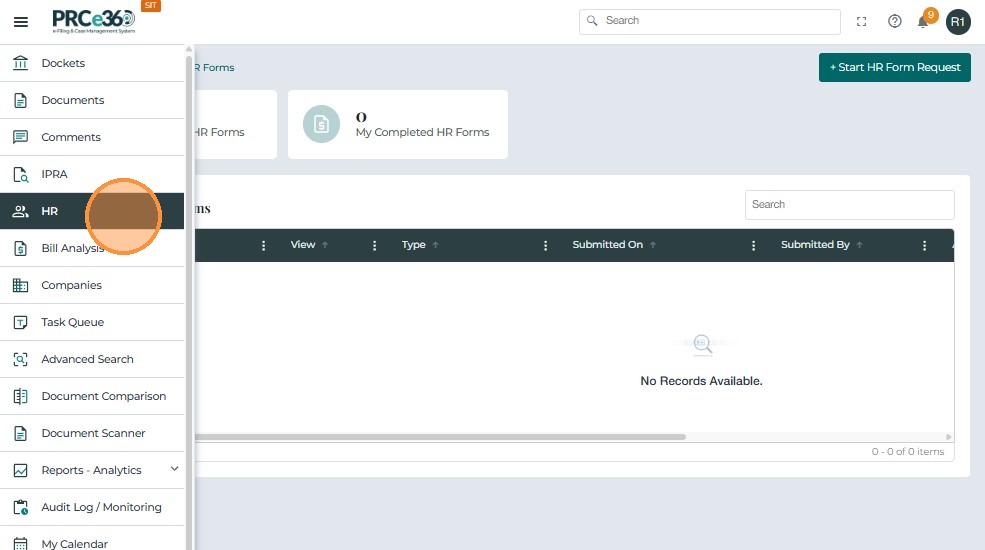
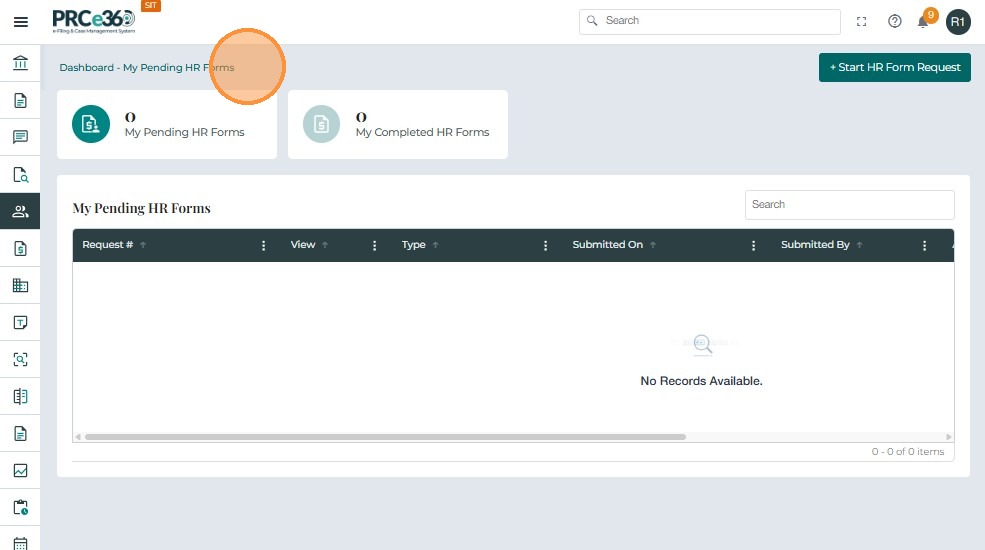
Available Queues
| Queue / Function | Eligible Divisions | Functionality |
|---|---|---|
| My Pending HR Forms | HR Division | Lists all pending HR forms for the user. |
| All HR Forms Completed | HR Division | Lists all completed HR forms. |
| My Completed HR Forms | HR Division | Displays completed HR forms submitted by the user. |
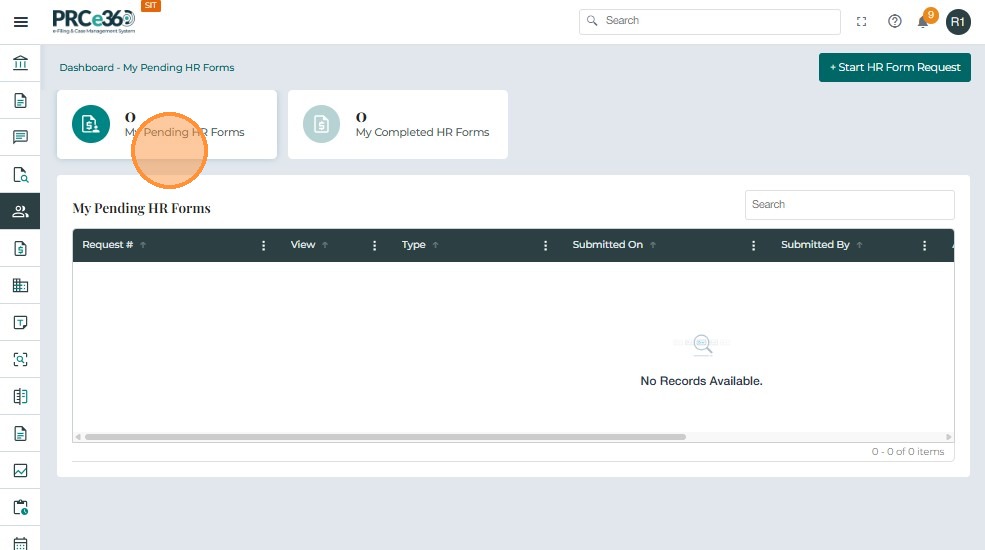
My Pending HR Forms
Visible only to the HR Division, this queue lists all HR forms currently pending user or supervisor action.
Grid Columns
- Request # – Unique confirmation number generated for the HR form.
- Submitted On – Date and time the form was submitted.
- Submitted By – User who created the form.
- Assigned Users – Assigned user(s) responsible for processing.
- Status – Current workflow status.
My Pending HR Forms
Visible only to the HR Division, this queue lists all HR forms that are pending
Grid Columns
- Request # – System-generated reference number.
- Submitted On / By – Date/time and user details.
- Assigned Users – Assigned user(s).
- Status – Status of the form
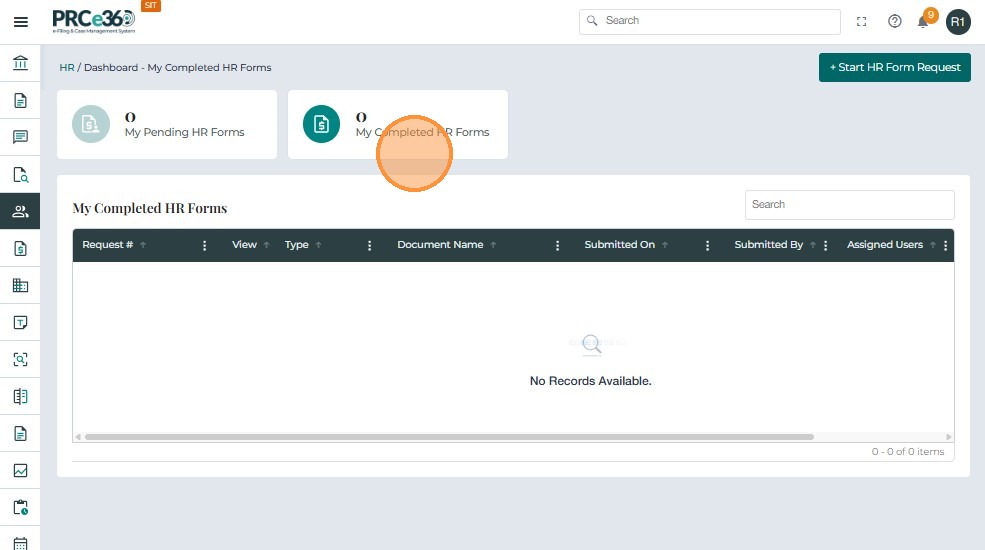
My Completed HR Forms
This queue displays HR forms completed and submitted by the logged-in user.
Grid Columns
- Request # – Unique reference number.
- Submitted On / By – Submission details.
- Assigned Users – Assigned HR user(s).
- Status – Completion state of the form.